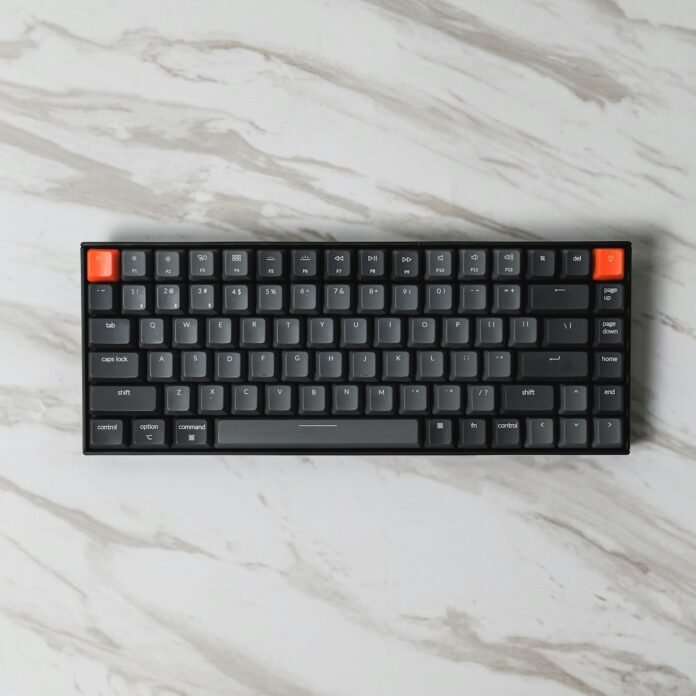

I did not understand mechanical keyboards until I typed on one. This guide covers everything about best mechanical keyboard under 5000 based on real experience.I thought keyboard people were being dramatic. “The tactile feedback.” “The satisfying click.” “You can feel each keystroke.” Sure, grandpa. It is a keyboard.
Table of Contents
- Best Mechanical Keyboards Under 5000: Comparison
- A Quick Switch Guide (Because This Confuses Everyone)
- Best Overall: Cosmic Byte CB-GK-32
- Best Compact Keyboard: Redragon K617 Fizz
- Best Budget Pick: Ant Esports MK1200
- Best Premium Feel: HyperX Alloy Origins Core
- Best for Office and Wireless: Royal Kludge RK84
- Frequently Asked Questions
- Related Reading
Then I bought one. And I immediately understood everything. Going back to a regular membrane keyboard after using a mechanical one feels like typing on a wet sponge. I am not being dramatic. (I am being a little dramatic. But only a little.)
The problem is that the mechanical keyboard world is overwhelming. Cherry MX? Gateron? Hot-swappable? Optical switches? RGB that looks like a nightclub? I spent three months testing seven keyboards under Rs 5,000 so you do not have to read forty Reddit threads to figure out what to buy.
Best Mechanical Keyboards Under 5000: Comparison
| Keyboard | Switch Type | Layout | Best For | Price |
|---|---|---|---|---|
| Cosmic Byte CB-GK-32 | Outemu Blue/Red/Brown | Full-size | Best value overall | ~Rs 2,499 |
| Redragon K617 Fizz | Red (linear) | 60% | Compact + portable | ~Rs 3,299 |
| Ant Esports MK1200 | Outemu Blue | Full-size | Budget pick | ~Rs 1,899 |
| HyperX Alloy Origins Core | HyperX Red | TKL (87-key) | Premium feel | ~Rs 4,999 |
| Royal Kludge RK84 | Brown/Red/Blue | 75% | Wireless + office use | ~Rs 4,499 |
A Quick Switch Guide (Because This Confuses Everyone)
Before we get into specific keyboards, you need to understand switches. This is the part that scares people away, but it is actually simple: When it comes to best mechanical keyboard under 5000, this matters more than you think.
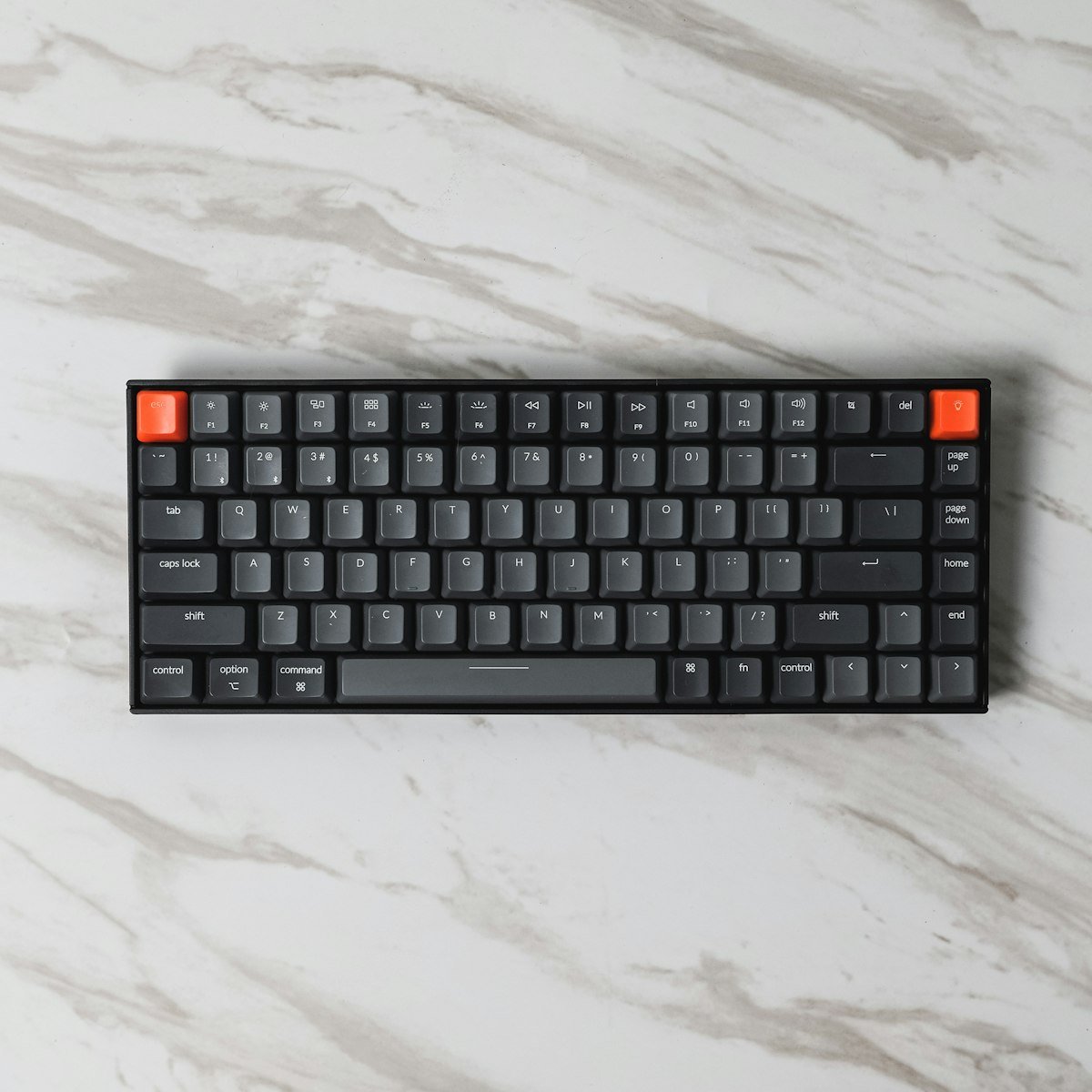
- Blue switches: Loud click with every keypress. Satisfying for you. Annoying for everyone within earshot. Do not buy these if you share an office or take calls while typing.
- Red switches: Smooth and quiet. No bump, no click. Fastest for gaming. Some people find them too sensitive and end up hitting keys by accident.
- Brown switches: The middle ground. A subtle bump when you press, but no loud click. My recommendation for most people, especially if you type a lot.
That is it. Everything else (Gateron, Kailh, Outemu) is just different brands making their version of these three types. Start with these, figure out what you like, and go deeper later if you catch the bug. (You will probably catch the bug.) When it comes to best mechanical keyboard under 5000, this matters more than you think.
Best Overall: Cosmic Byte CB-GK-32
At Rs 2,499, this keyboard has no right being this good. The build quality is solid (metal top plate, minimal flex), it comes with Outemu switches in Blue, Red, or Brown (go Brown if you are unsure), and the RGB lighting is customizable without needing software.
I typed on this for two weeks straight and genuinely forgot it was a budget keyboard. The keys feel consistent, the stabilizers on the bigger keys (spacebar, shift, enter) are decent (not great, but decent, which is impressive at this price), and it handled both long writing sessions and gaming without complaints.
The downsides: it is a full-size keyboard, so it takes up a lot of desk space. The keycaps are ABS plastic, which will develop a shiny, greasy look after a few months of heavy use. You can replace them with PBT keycaps later if that bothers you. But for Rs 2,499 as a first mechanical keyboard? This is the one.
Why buy: Best value, solid build, good switch options, works for typing and gaming
Why skip: Full-size is big. Keycaps will get shiny. Not hot-swappable.
Price: ~Rs 2,499 on Amazon
Best Compact Keyboard: Redragon K617 Fizz
If a full-size keyboard feels like parking a bus on your desk, the K617 Fizz is the smart car. It is a 60% layout, meaning no number pad, no function row, no arrow keys. Before you panic: all those keys are still accessible through a function layer (hold Fn + a key). You get used to it in about three days, and then you never want to go back to a full-size keyboard because suddenly you have all this desk space you did not know you were missing.
The linear red switches are smooth and quiet. The RGB is surprisingly good for a sub-Rs 3,500 keyboard. It connects via USB-C and also has Bluetooth, so you can switch between your PC and tablet. The compact form factor makes it legitimately portable. I tossed it in a bag and took it to a cafe. Try doing that with a full-size keyboard.
Why buy: Compact, portable, wireless option, great desk space savings, smooth switches
Why skip: The 60% layout has a real learning curve. Missing arrow keys will frustrate some people.
Price: ~Rs 3,299 on Amazon
Best Budget Pick: Ant Esports MK1200
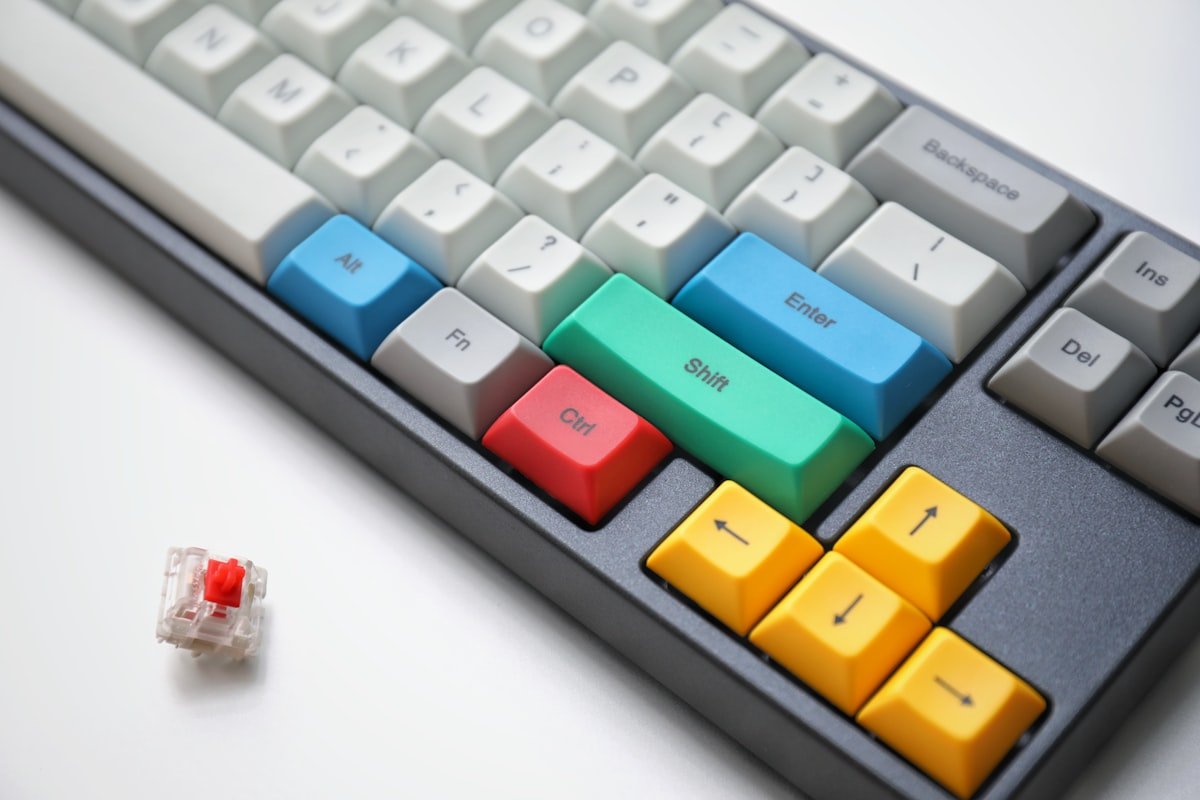
At Rs 1,899, this is the cheapest mechanical keyboard I would recommend to someone who has never used one. It is the gateway drug of the mechanical keyboard world. Not the finest quality, but good enough to show you what the fuss is about.
It comes with Outemu Blue switches (the clicky loud ones), which are satisfying but will make your roommates consider violence. The build is basic but functional. The RGB lighting works. The typing experience is a massive upgrade from any membrane keyboard you have used.
Think of this as the “try before you invest” option. Use it for six months. If you love mechanical keyboards (you will), upgrade to something nicer. If you somehow do not, you are out Rs 1,899. That is two meals at a mid-range restaurant.
Why buy: Cheapest entry into mechanical keyboards, surprisingly decent for the price
Why skip: Blue switches are LOUD. Build quality is basic. Keycaps feel cheap.
Price: ~Rs 1,899 on Amazon
Best Premium Feel: HyperX Alloy Origins Core
The HyperX Alloy Origins Core is the one keyboard on this list that feels like it costs more than it does. The full aluminum body has zero flex. The HyperX Red switches are some of the smoothest linear switches I have used at any price. The USB-C cable is braided and detachable. It feels like a Rs 10,000 keyboard that somehow costs Rs 4,999.
This is a tenkeyless (TKL) layout, which keeps the arrow keys and function row but drops the number pad. It is the sweet spot between full-size and compact. You get desk space savings without the function-layer gymnastics of a 60% keyboard.
If you want one keyboard that you will use for three or four years without feeling the need to upgrade, this is it. The build quality will outlast everything else on this list.
Why buy: Best build quality, premium switches, will last years, perfect size for most desks
Why skip: At Rs 4,999 it is at the top of the budget. Only comes in linear Red switches.
Price: ~Rs 4,999 on Amazon
Best for Office and Wireless: Royal Kludge RK84
If you need a keyboard that works at your desk, on your laptop, and maybe with your tablet, and you do not want cables everywhere, the RK84 is the answer. It connects three ways: wired USB-C, Bluetooth (up to 3 devices), and 2.4GHz wireless dongle. Switch between your work laptop and personal PC with a keyboard shortcut.
The 75% layout keeps the function row and arrow keys in a compact form factor. It is available with Brown, Red, or Blue switches, and it is hot-swappable, meaning you can pull out the switches and replace them with different ones later without soldering. That matters if you think you might want to experiment (and you will).
The battery lasts about 200 hours with the RGB off, which is roughly two to three weeks of daily use. With RGB on, more like 40-50 hours. The Bluetooth connection is stable enough for typing but I would not trust it for competitive gaming. For office work and writing? Perfect.
Why buy: Best wireless option, triple connectivity, hot-swappable, compact with arrow keys
Why skip: Bluetooth has occasional input lag. Build quality is good but not HyperX-level.
Price: ~Rs 4,499 on Amazon
Frequently Asked Questions
Are mechanical keyboards worth it for regular typing?
Absolutely. Mechanical keyboards are not just for gamers. Most writers, programmers, and heavy typists who switch to mechanical keyboards report less finger fatigue and faster typing speeds after the adjustment period. The tactile feedback helps your fingers know when a key has registered without bottoming out, which reduces strain over long sessions.
Which switch is best for office use?
Brown switches. They give you the satisfying tactile bump without the loud click that will get you uninvited from the quiet floor. Red switches are also quiet but lack the tactile feedback. Never, ever bring Blue switches to an office. Your colleagues will stage an intervention.
What does “hot-swappable” mean?
It means you can pull out the switches and replace them with different ones without soldering. Buy a keyboard with Brown switches, decide you want Red? Just pull out the Browns and pop in Reds. It is like changing batteries. This feature used to cost Rs 10,000+. Now keyboards under Rs 5,000 have it.
How long do mechanical keyboards last?
Most mechanical switches are rated for 50-100 million keypresses. In practical terms, a decent mechanical keyboard should last 5-10 years of daily use. Compare that to membrane keyboards, which typically start feeling mushy after 1-2 years. The upfront cost is higher, but the cost per year of use is often lower.
Related Reading
- Best Wireless Earbuds Under Rs 3,000 — another tech upgrade that punches above its price
- Best AI Tools in 2026 — the software to pair with your shiny new hardware
- Productivity Systems That Work — the keyboard is just the tool, the system is what matters
You might also like:
Useful resources: